Automate
onboarding without
losing control.
Train Obi, control how it behaves, see where customers get stuck, and improve the experience from one place.
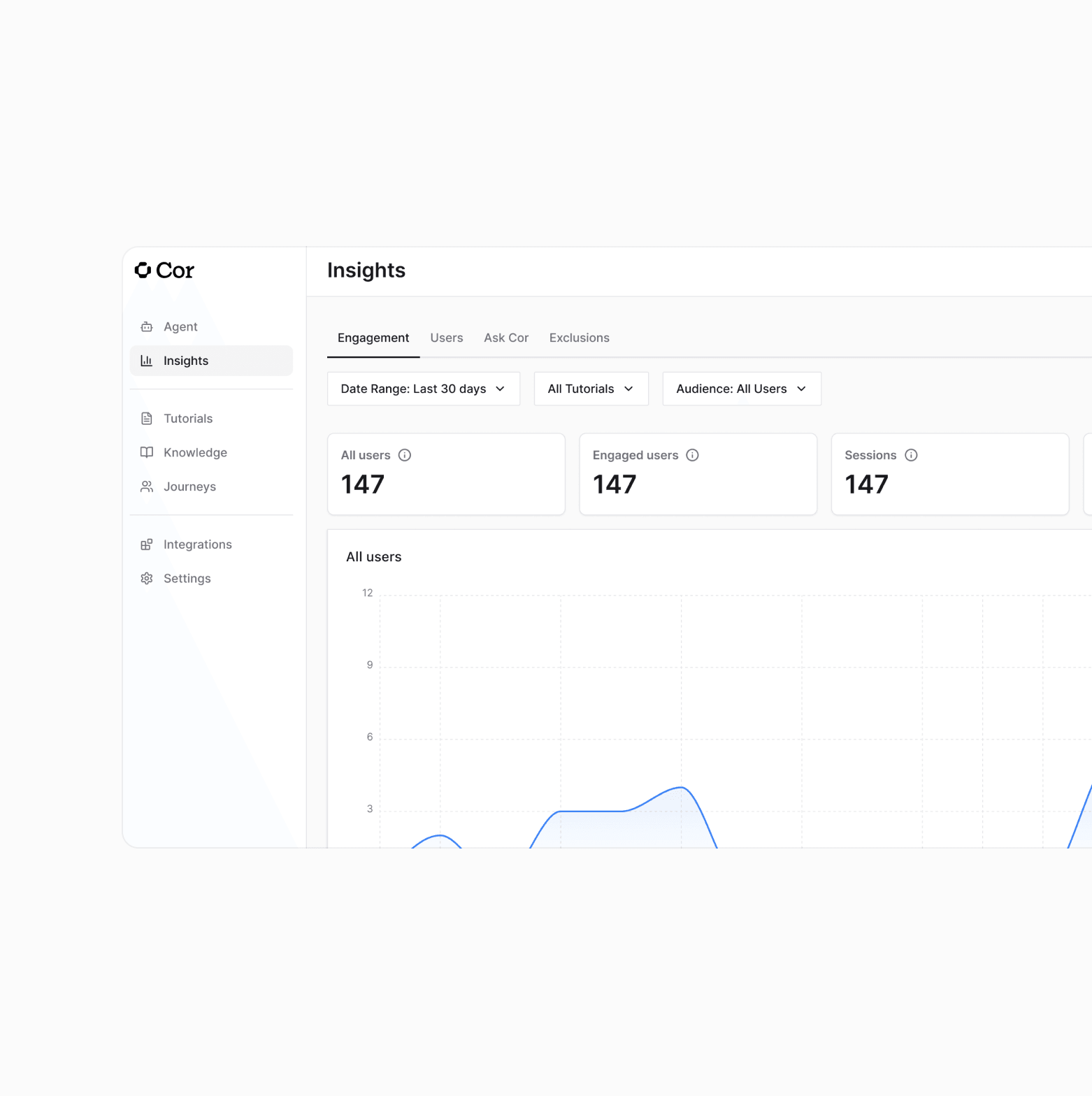
Every session on record.
Every gap, flagged.
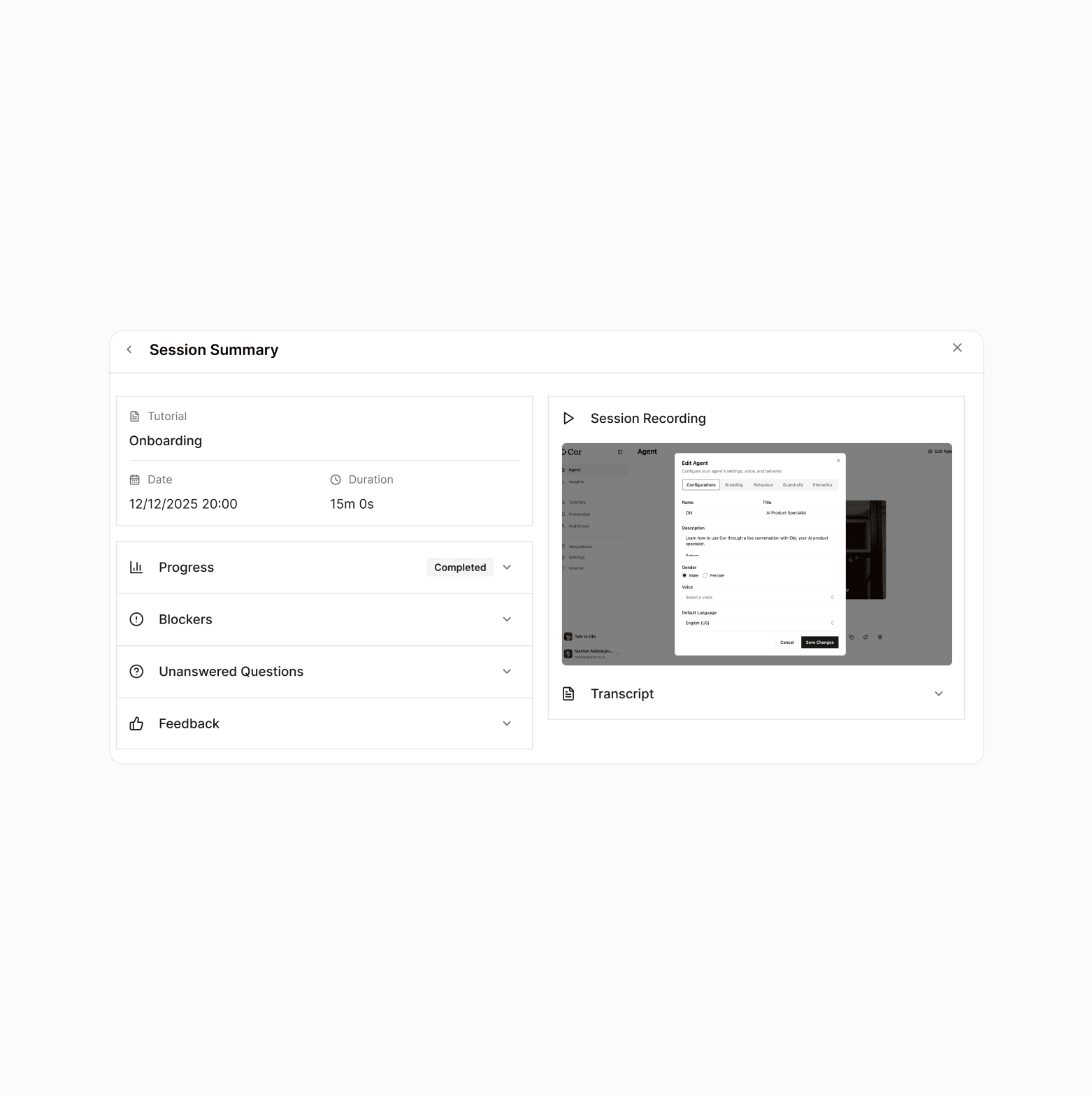
Session report
After every session, Obi generates a structured report. It shows what the user accomplished, flags friction points and unanswered questions, so you know what works and what still needs to be improved.
Recording & transcript
When you want to dig deeper into exactly what happened in a session, you get the full recording and transcript. Every session becomes a learning opportunity you would otherwise miss.
Ask Cor
For aggregate reports, simply describe what you want in plain English. Our AI reads across every session report, Q&A log, friction point, and transcript, then generates a detailed report - no dashboards to build, no SQL to write.
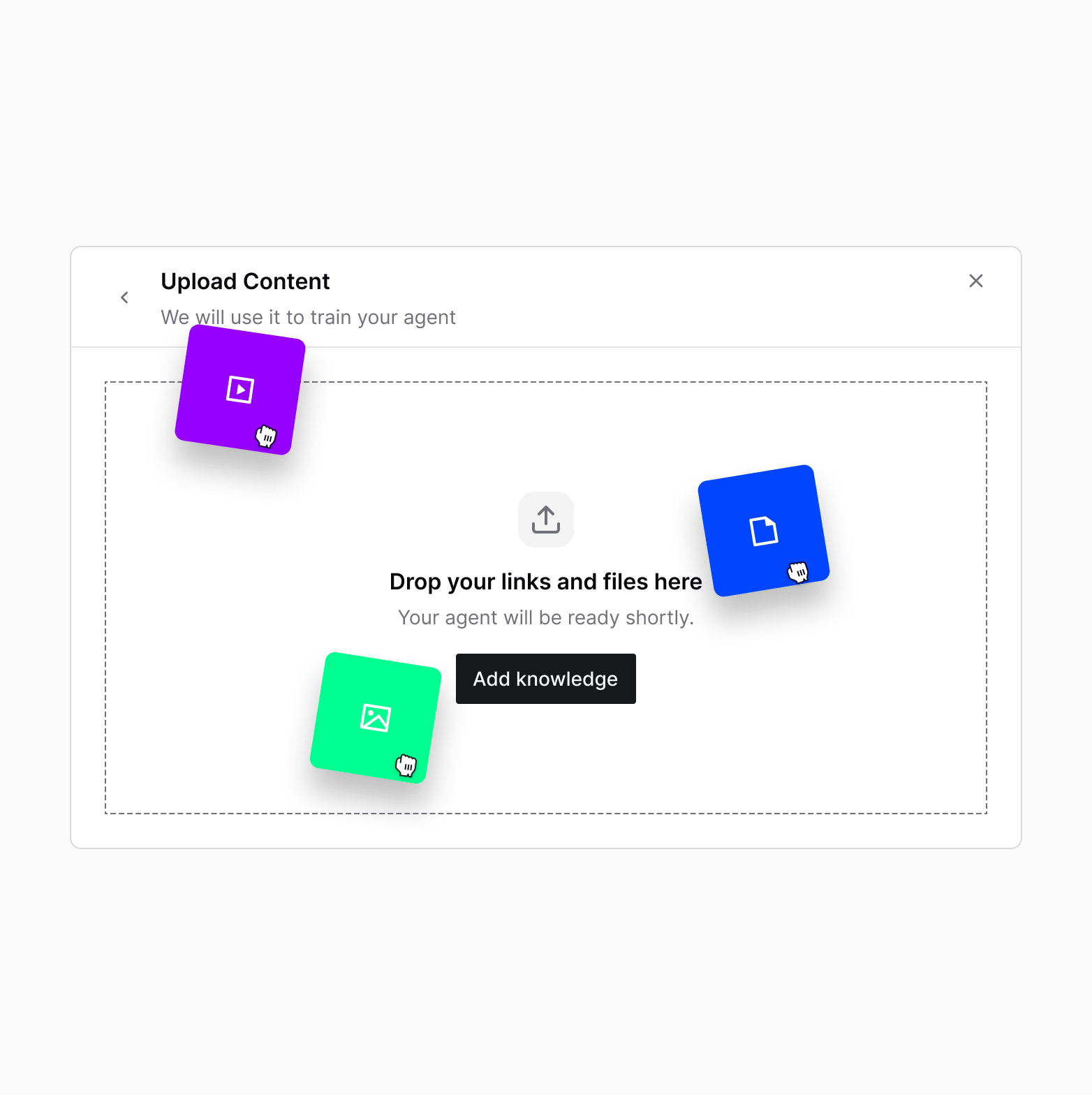
Teach Obi the same way
you'd teach a teammate.
Upload recordings of real onboarding calls. Obi extracts the steps, the common questions, and the moments customers get stuck - then builds its own guided script from that institutional knowledge.
Walk through your product as you would for a new hire. Obi watches, learns every step, and converts it into a guided session flow you review and approve before it goes live.
Connect your existing documentation. Obi draws on it in real-time when customers ask questions mid-session - answering accurately, in your brand's voice.
For complex workflows or edge cases, walk through the product live inside Admin Hub. Obi watches and learns on the spot. No video editing required.
Set the boundaries of what Obi will and will not discuss. Define off-limit topics, sensitive workflow handling, and the tone it maintains throughout every session.
Define exactly when Obi hands off to a human. Set triggers by question type, customer tier, or session stage - so the right customers always reach the right person at the right time.
Segment your customers. Give each group the experience they need.
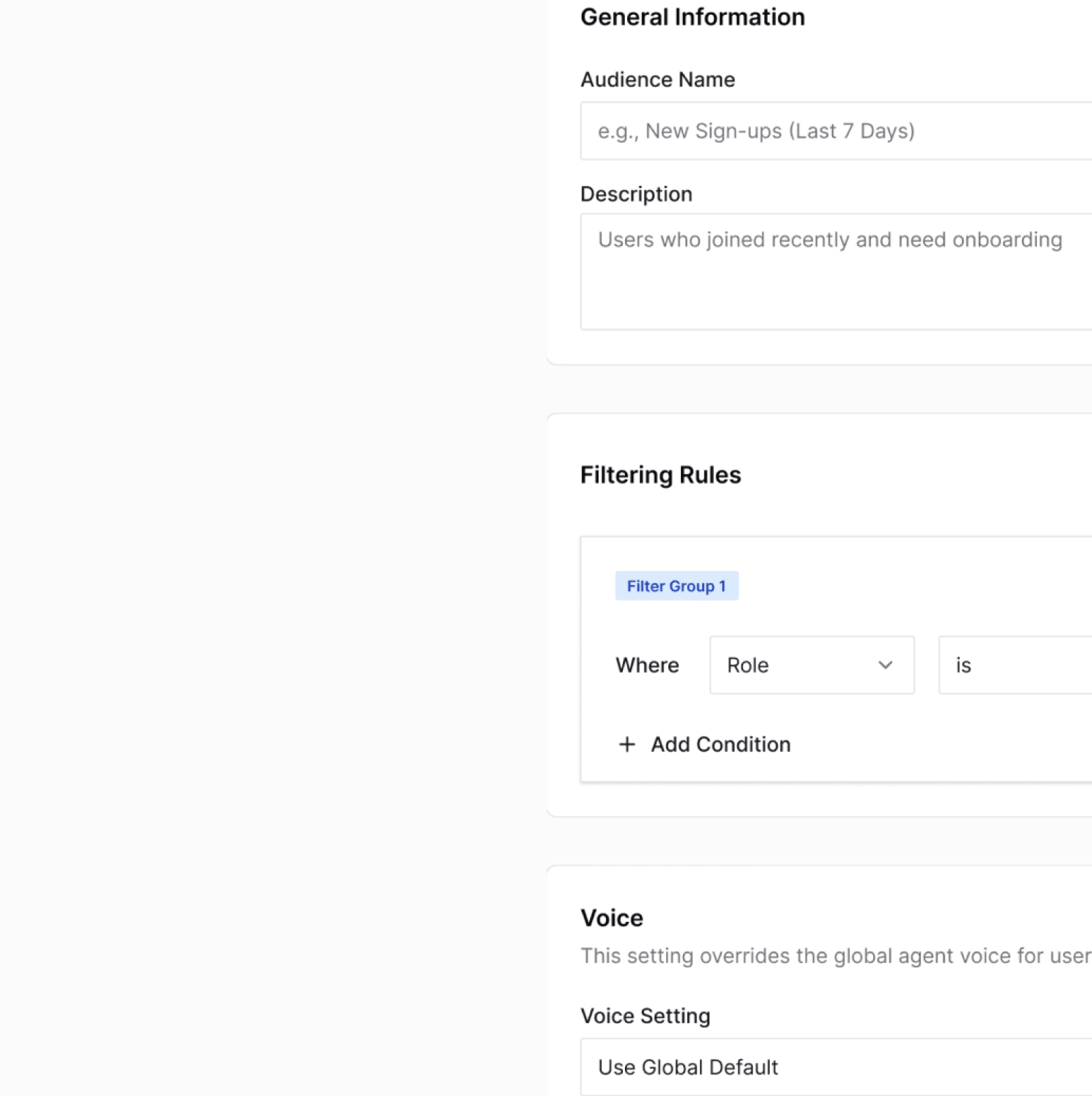
Right experience, right user
New signups need onboarding. Power users need activation. Enterprise accounts need precision. Audiences delivers the right session to the right person - automatically.
Define the segment
Define a segment using any user attribute you pass to Obi - account tier, signup date, feature usage, geographic market, or any custom variable your product tracks. Assign that segment a specific session flow, agent script, and escalation rules.
Obi already knows
When a user starts a session, Obi already knows who they are. It uses that context to personalize every step, so the experience feels built for them, not copied from a template.
Obi talks to customers.
Own the full lifecycle.
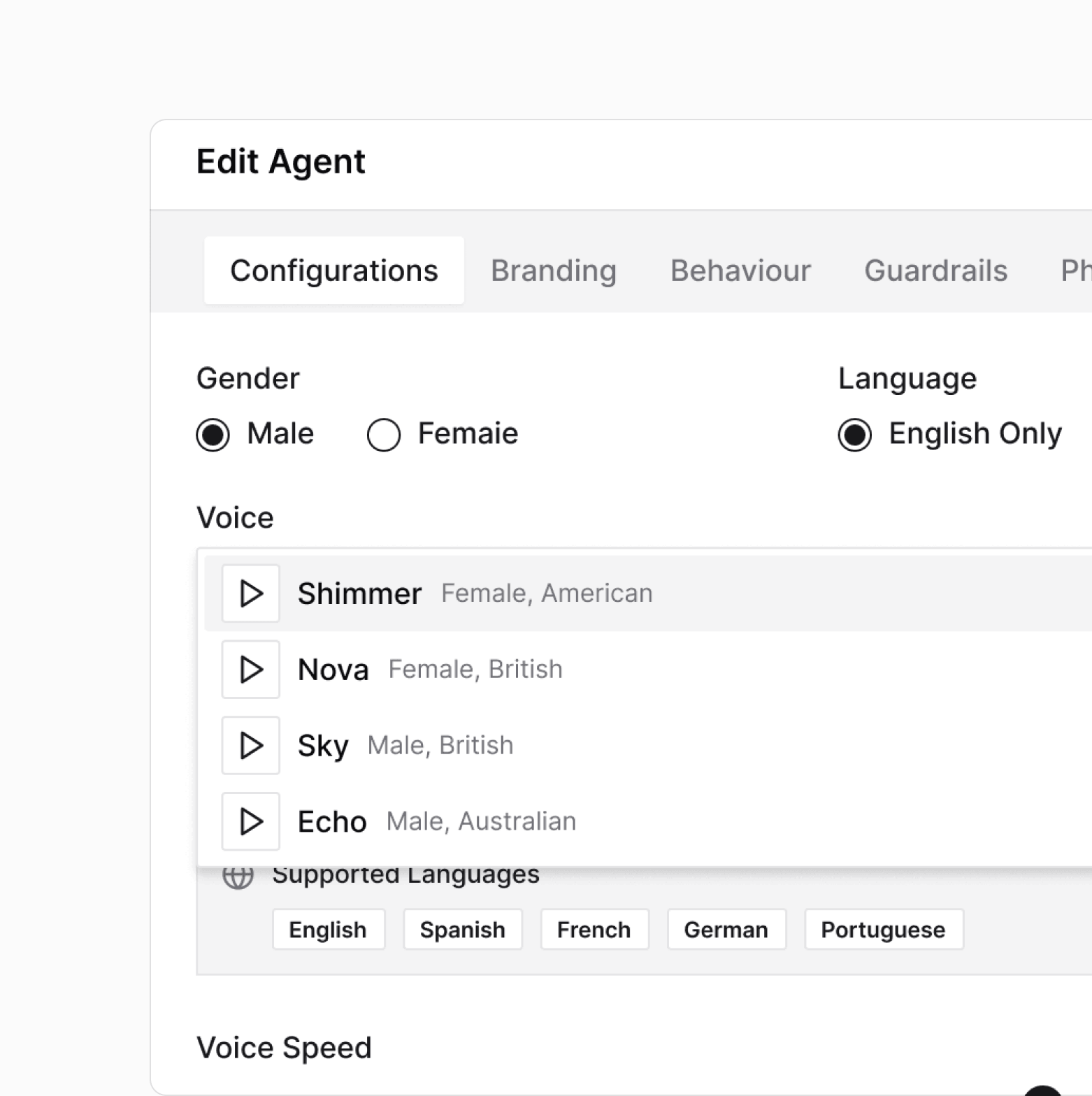
Give Obi your name, your voice, and your face. Pick a tone, pace, and linguistic style that fits your product, then configure the avatar customers see during sessions - appearance, style, and how it enters the screen. Customers see your brand, not ours.
Set the rules of engagement. Toggle privacy mode for sensitive workflows, choose how long session data is retained, and control when and how Obi can interrupt the customer mid-task. Compliance and customer experience, both on your terms.
Set what Obi will and will not discuss. Define which questions it escalates to a human. Control the tone it maintains throughout every session.

Guides busy real estate professionals through complex implementations across multiple systems, tailored to their individual requirements on demand.
Frequently asked
questions.
Get a detailed walkthrough.
Book a demo and we will open a live Admin Hub account - build an agent, walk through the knowledge base, and run queries in Ask Cor.