Run customer onboarding from the AI you already use.
Cor works inside Claude, ChatGPT and other AI assistants. See where customers get stuck, fix the content behind it, and build new tutorials, all in plain words. No new tool to learn.






Most software asks your team to come to it. Cor works where your team already is.
- 01
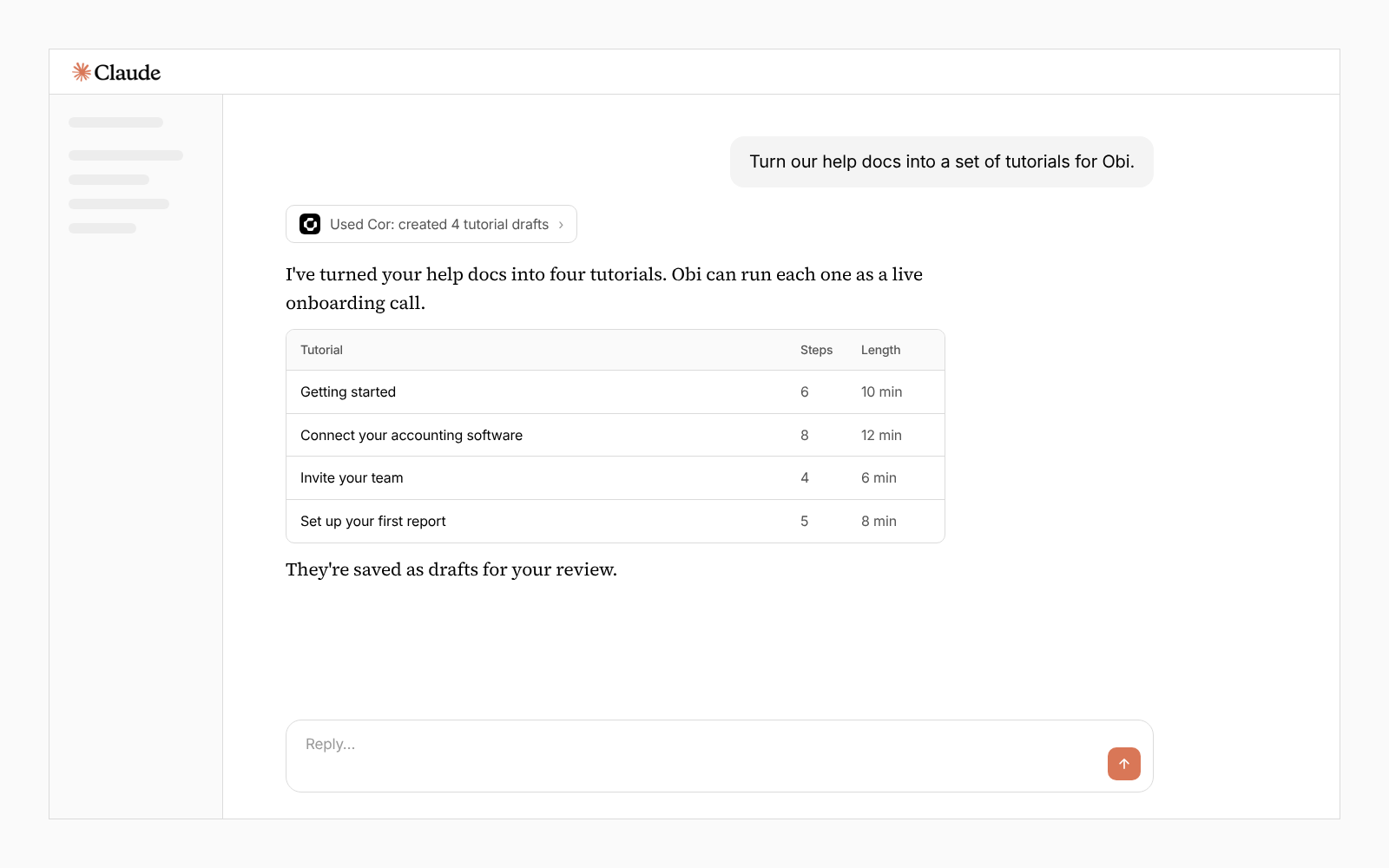
Turn your help docs into live onboarding calls
Turn help docs, onboarding calls or team notes into live onboarding and product adoption sessions.
- 02
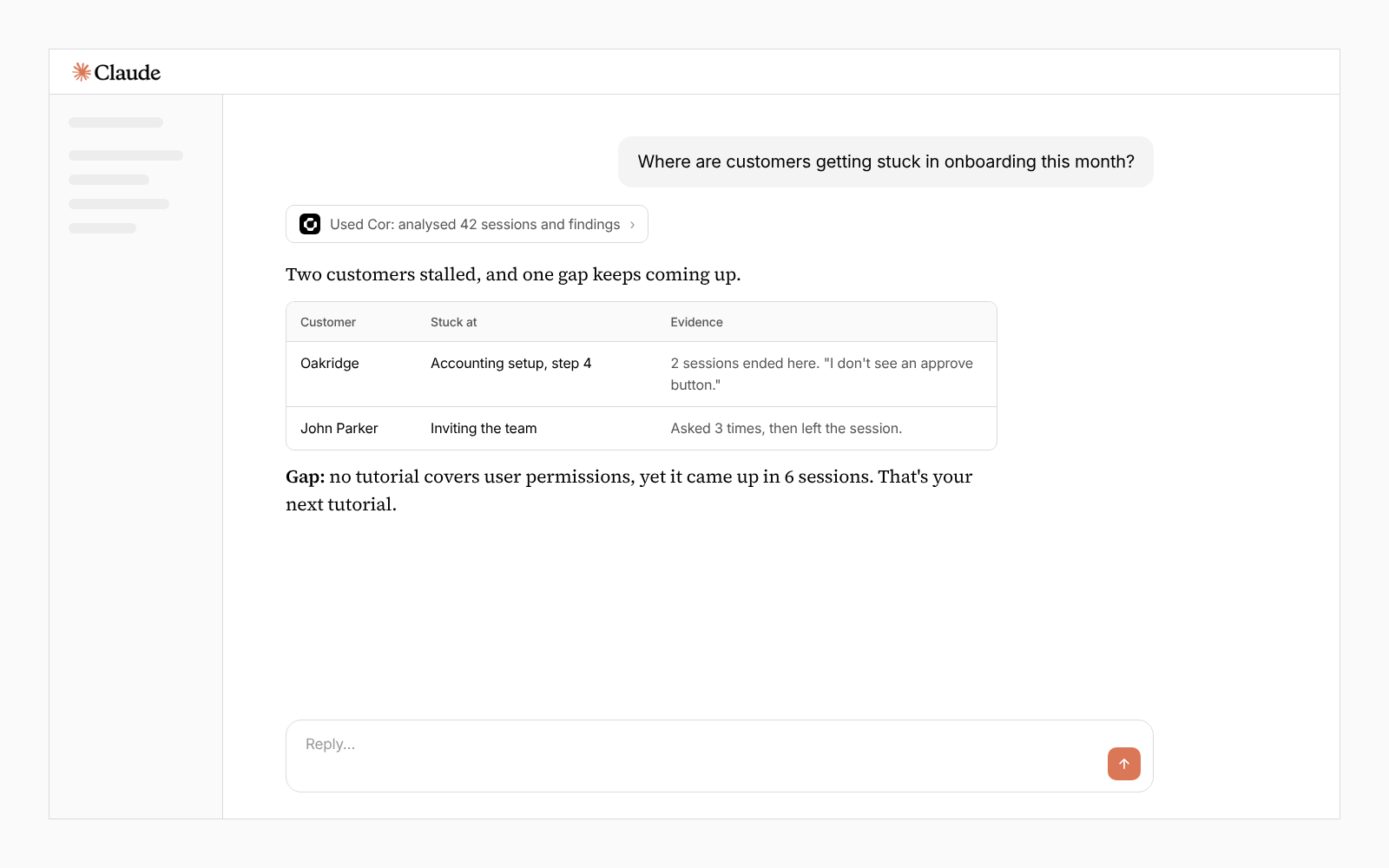
Identify onboarding gaps and opportunities
Blend deep analysis of every onboarding session with product analytics and team-call feedback to uncover gaps and opportunities you couldn't see before.
- 03
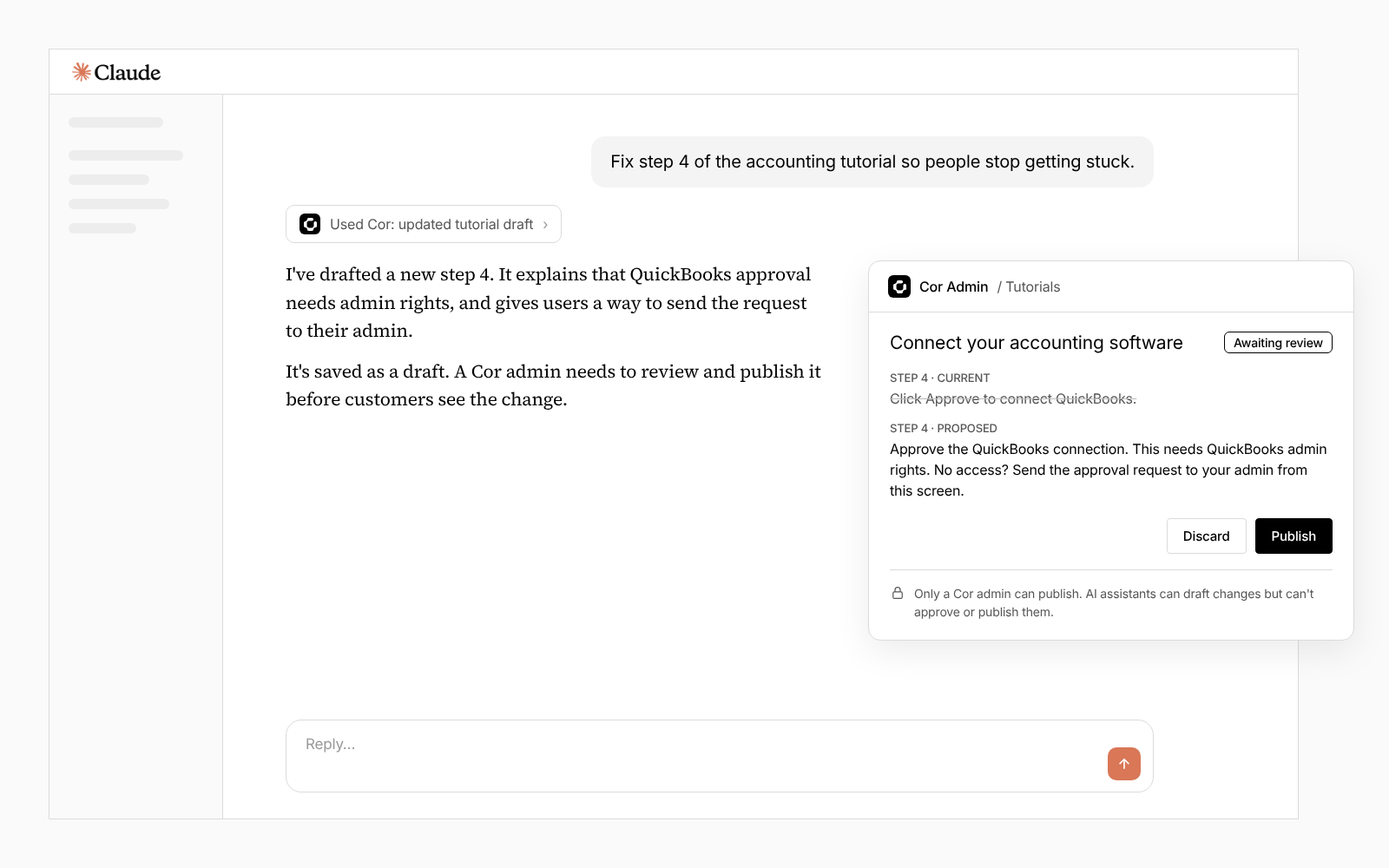
Make improvements with a click
Act on issues and opportunities with one click: update knowledge, log tickets, build walkthroughs and work directly with customer or product teams.
- 04
Keep the team in the loop
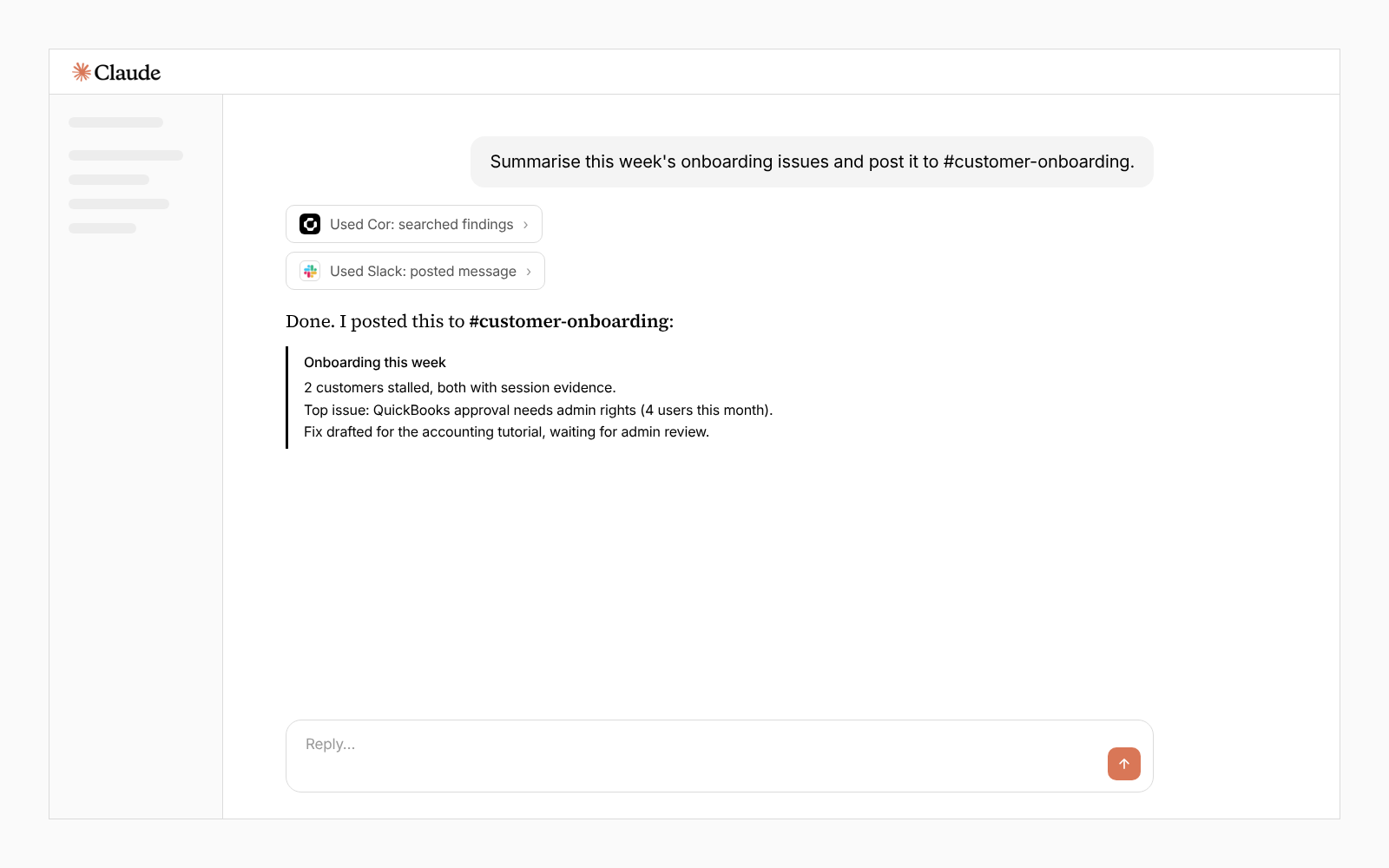
Stay connected to every customer, regardless of portfolio size. Prioritize your team's work and step in when you're needed.
Set up in one sign-in.
No implementation project. No engineers. Add Cor to your AI assistant and you're working in minutes.
- · 01
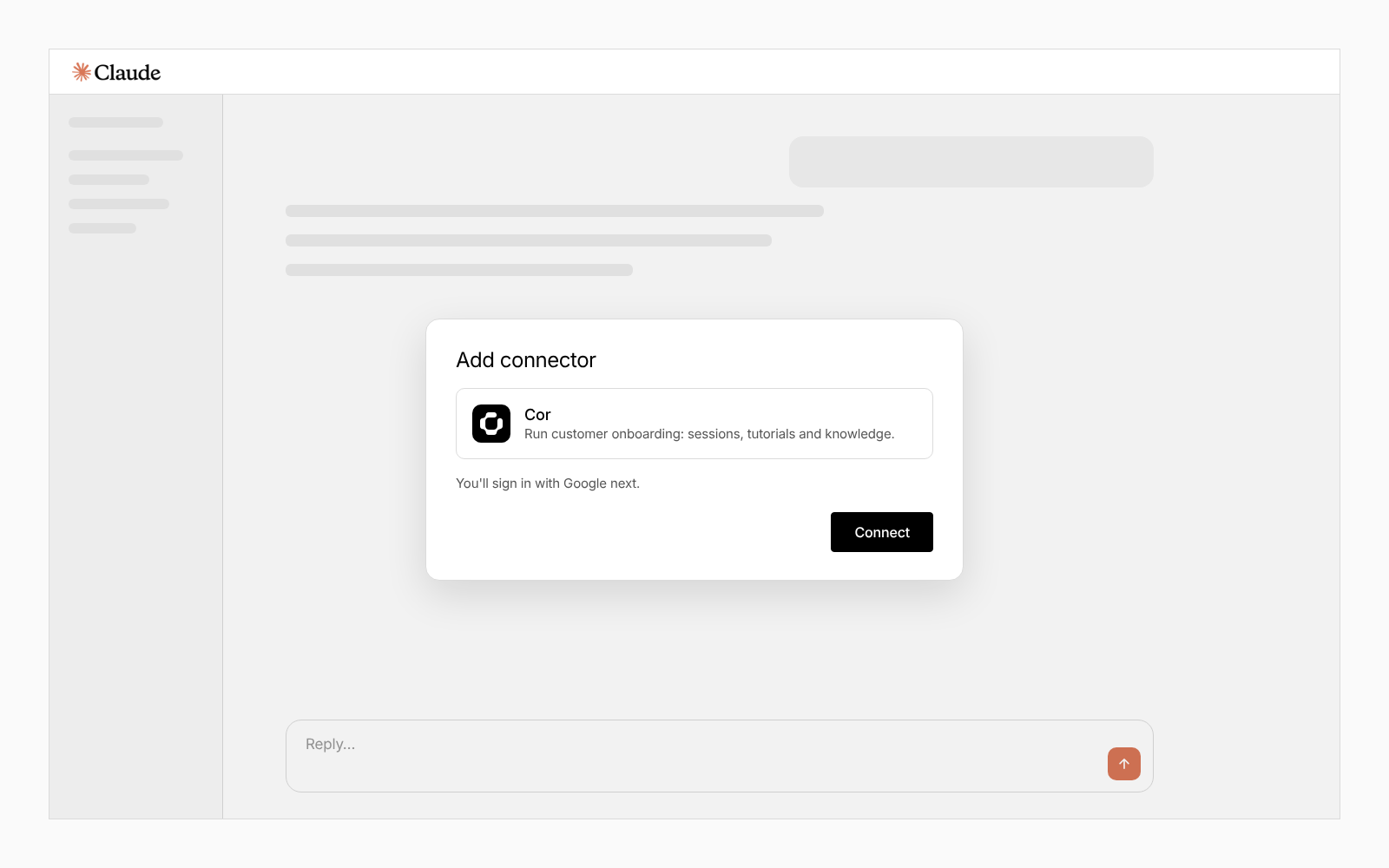
Connect.
Add Cor to your AI assistant and sign in with Google. That's the whole setup.
- · 02
Ask.
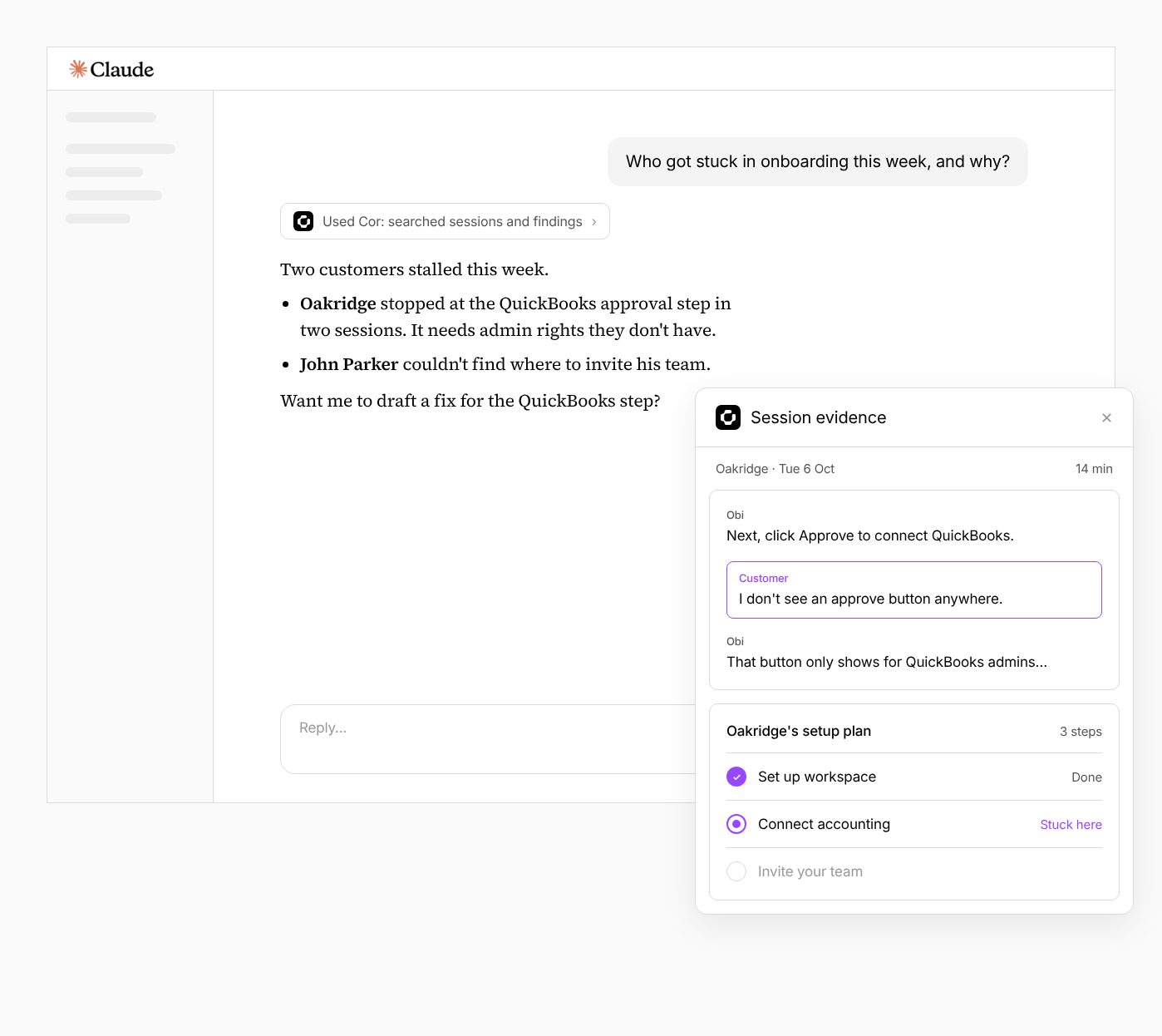
"Who got stuck in onboarding this week, and why?" Cor shows the customers, where each one stalled, and the session evidence behind it.
- · 03
Review and approve.
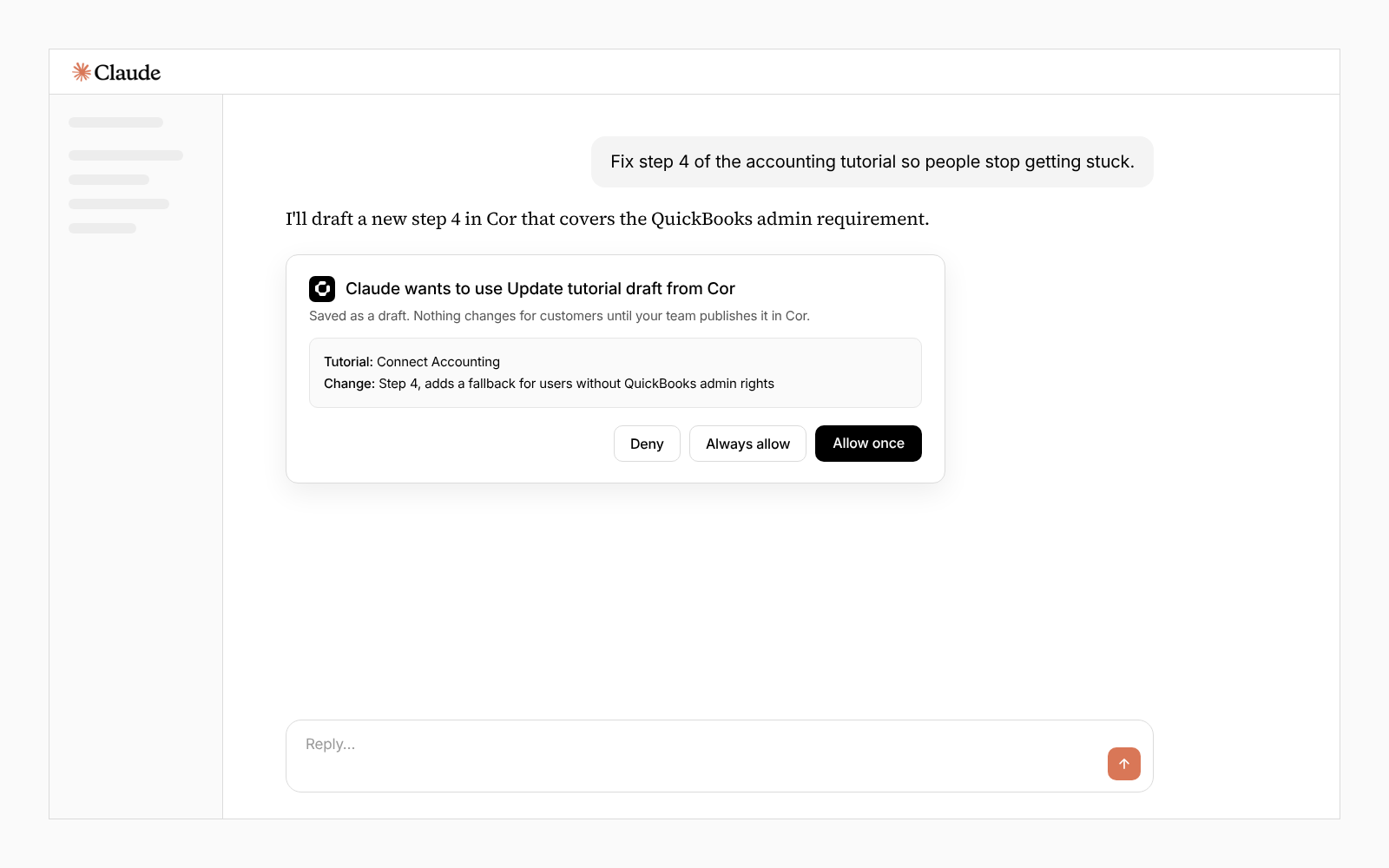
Your assistant drafts the changes. You review them in Cor and nothing reaches your customers until your team approves it.
One assistant, all your tools.
Your AI assistant is probably already connected to Slack, your CRM and your call recorder. Add Cor and it joins them. One request can find the customers who got stuck in Cor and draft the follow-ups in your CRM. Cross-tool requests use the connections your assistant already has.
- Slack
- HubSpot
- Gong
- Notion
- Many more


Your team stays in control.
Critical changes must be reviewed and approved in Cor Admin. The AI agent cannot approve or apply them.
Admins choose which actions run automatically and which require permission.
MCP operates within each user's Cor account permissions.
Documentation is available to help your team get approval to enable Cor MCP.
Prefer the command line?
The Cor CLI gives engineering teams the same access from the terminal. The Cor MCP also works inside coding agents like Claude Code.
- Claude Code
- OpenAI Codex
- Cursor


